Vuxo Voice
An AI assistant for the calls your business handles.
Plan how it answers common questions, handles appointment requests, and brings in a person when needed.
Making an Appointment
Video demo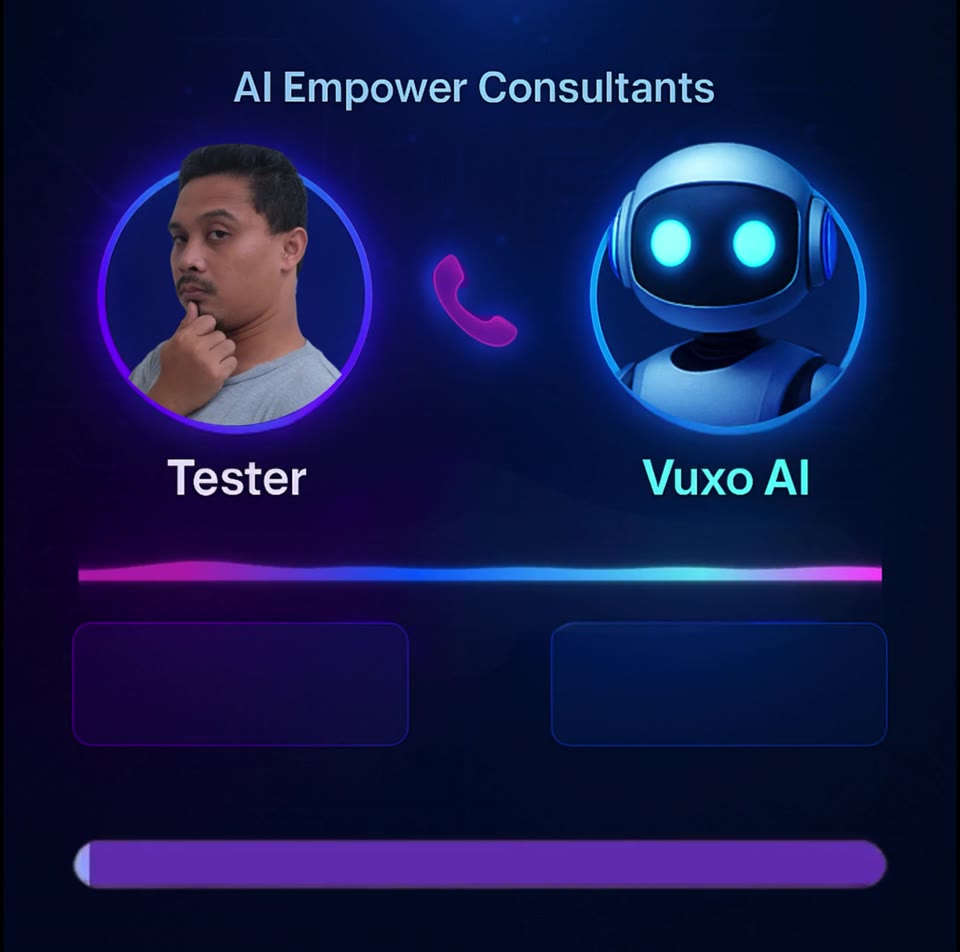
Press Play to load this recording from YouTube. YouTube will receive your device and playback information.
Watch on YouTubeRead the Making an Appointment transcript
Machine-assisted text checked against the recording’s visible captions. Timestamps are approximate.
- 00:00Tester: Can you do me a favor, David?
- 00:02Tester: I want an appointment with Mani.
- 00:05Vuxo AI: I'd be happy to help with that.
- 00:06Vuxo AI: When would you like to schedule your appointment with Mani?
- 00:10Tester: When is the next appointment available?
- 00:13Vuxo AI: Mani has an opening tomorrow, Saturday at 8 p.m. Eastern time.
- 00:17Vuxo AI: Does that work for you?
- 00:18Tester: Yes, that works for me.
- 00:23Vuxo AI: Your booking is confirmed for tomorrow at 8 p.m. Eastern time.
- 00:27Vuxo AI: I've sent you and Mani an SMS with the details.
- 00:30Vuxo AI: Is there anything else I can help with?
- 00:32Tester: No, thank you so much, David.
- 00:34Tester: I appreciate your time.
- 00:36Vuxo AI: You're welcome.
- 00:37Vuxo AI: If you need any more help or have further questions, feel free to ask.
- 00:41Vuxo AI: Have a great day.
- 00:42Tester: Thank you.
Product overview
Explore whether a voice assistant fits the calls you want to handle. Discuss caller languages, approved information, call-volume needs, and when a person should take over. Test the required call flows before relying on them.
This overview is not a transcript of the recordings. A text transcript is available for Making an Appointment. For Multilingual, Answers Questions, and AI Calls You: Captions and transcripts have not yet been verified. Caption timing for Making an Appointment also needs review.
Ask about your voice-assistant requirementsWhy Select Vuxo Voice - Phone Bot
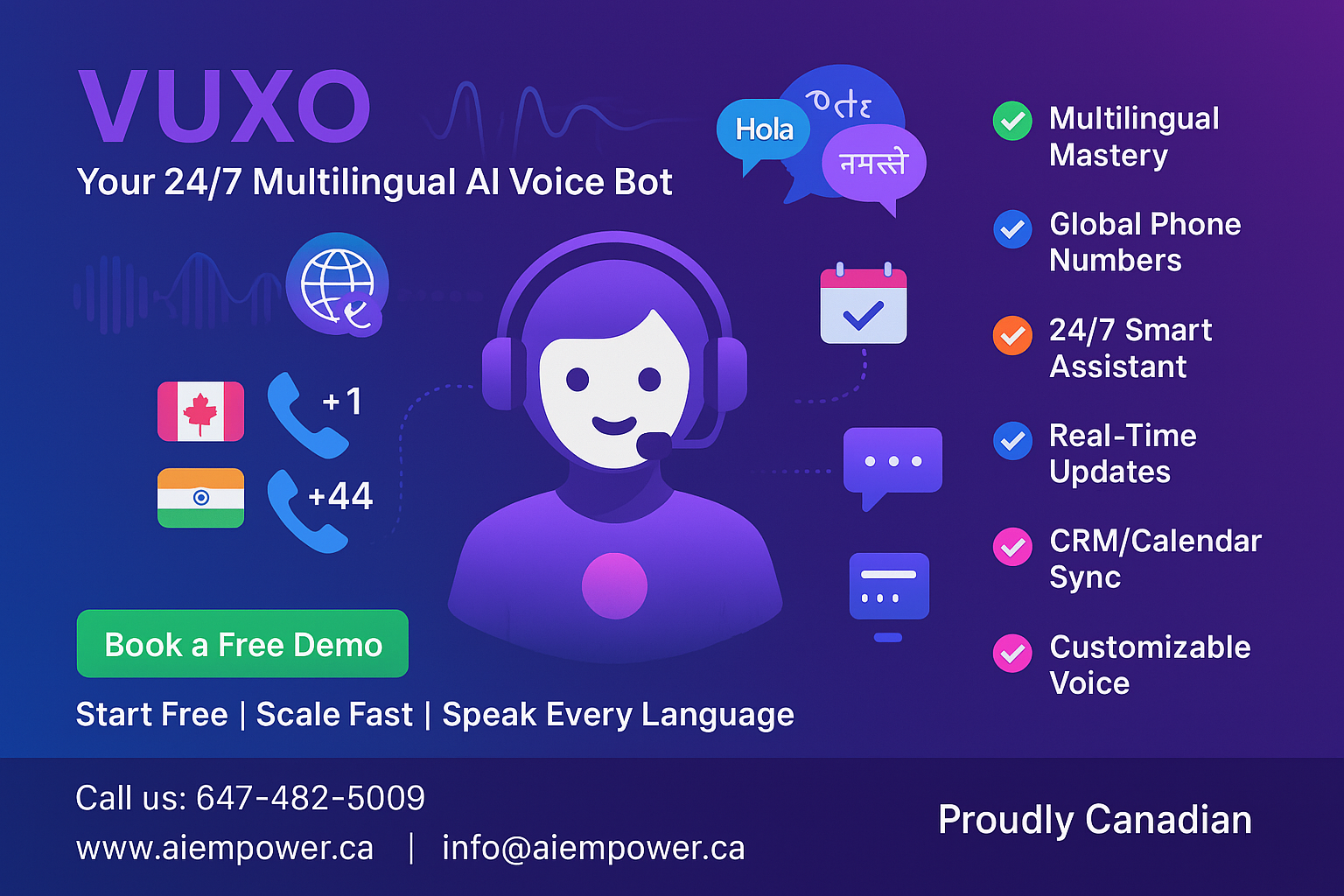
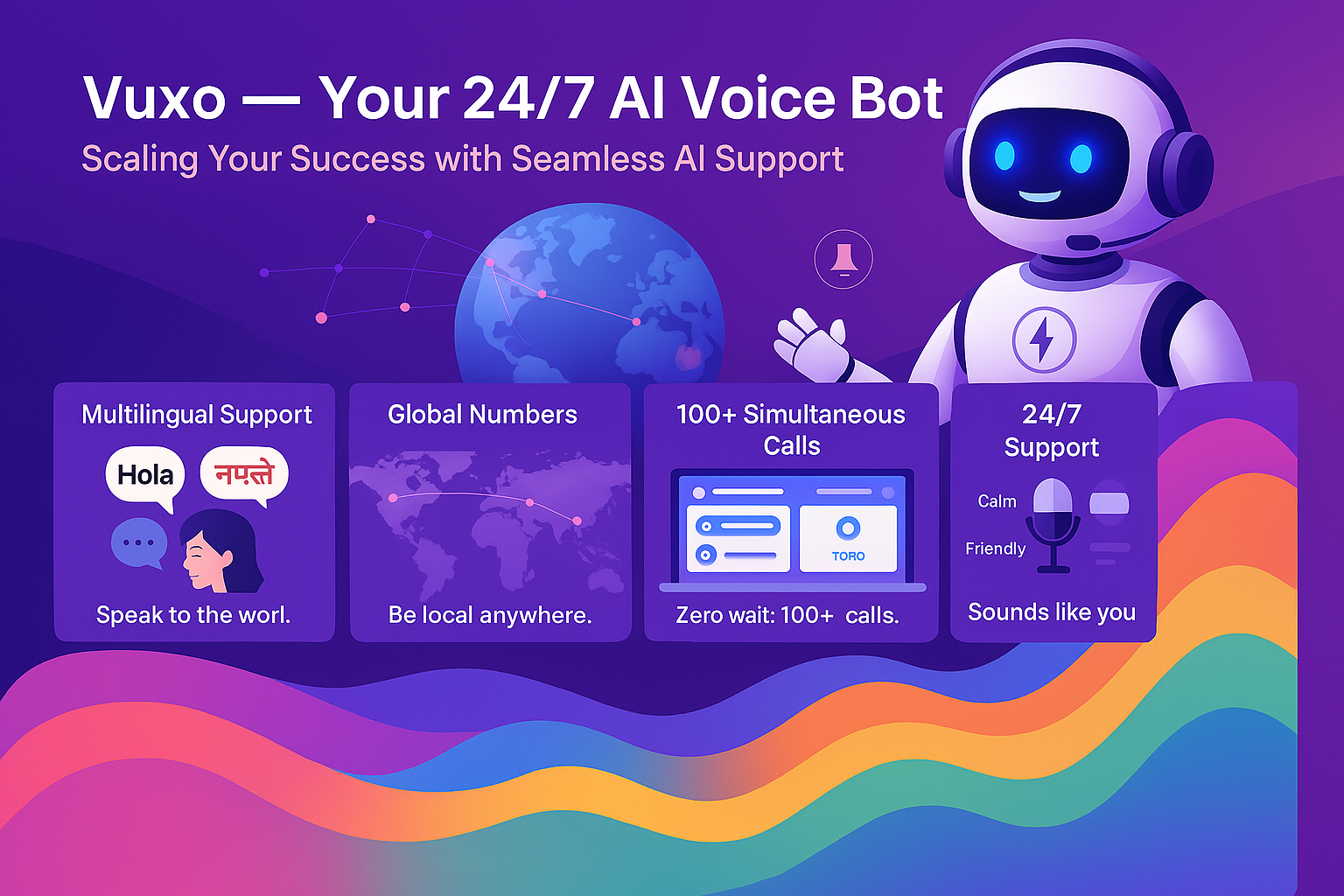
Voice Support Around Your Call Flows
Plan voice-assistant conversations around approved information, caller languages, and clear human handoffs.
Language planning
Discuss your callers’ languages and test the required call flows.
Call Coverage Planning
Plan call coverage with human handoffs.
Voice preferences
Discuss voice and language preferences for your call flows.
Reporting requirements
Discuss the call data your team needs to review.
Set Up Your Voice Bot in 3 Simple Steps
Identify Your Needs – Define your bot’s role (e.g., sales, support)
Train & Personalize – Upload content, choose a voice
Reporting requirements - Discuss the call data your team needs to review
Who Is This For?
Small Businesses
Plan enquiry coverage and handoffs
E-Commerce Retailers
Discuss order-enquiry workflows
Service Professionals
Plan appointment-request handoffs
Consultants & Coaches
Define a lead-enquiry workflow
Plan your voice assistant alongside your team
| Feature | Vuxo Voice | Traditional |
|---|---|---|
| Setup | Define call flows and handoffs | Plan team onboarding |
| Availability | Agree coverage and escalation | Set staffed hours and cover |
| Scalability | Discuss your call-volume needs. | Capacity depends on staffing. |
Ready to Build Your First Voice Bot?
Start now or schedule a demo to see Vuxo AI in action.